❮
![zoom]() ❯
❯
To log on to your brand's SellingAtHome Administrator interface, you'll need to send an e-mail address and the desired password to the SellingAtHome teams so that they can create your administrator account.
Once this account has been created, your sales representative will inform you and you will be able to access your account via the URL :
https://brand.sellingathome.com/
This login can only be used to log in to the brand area !
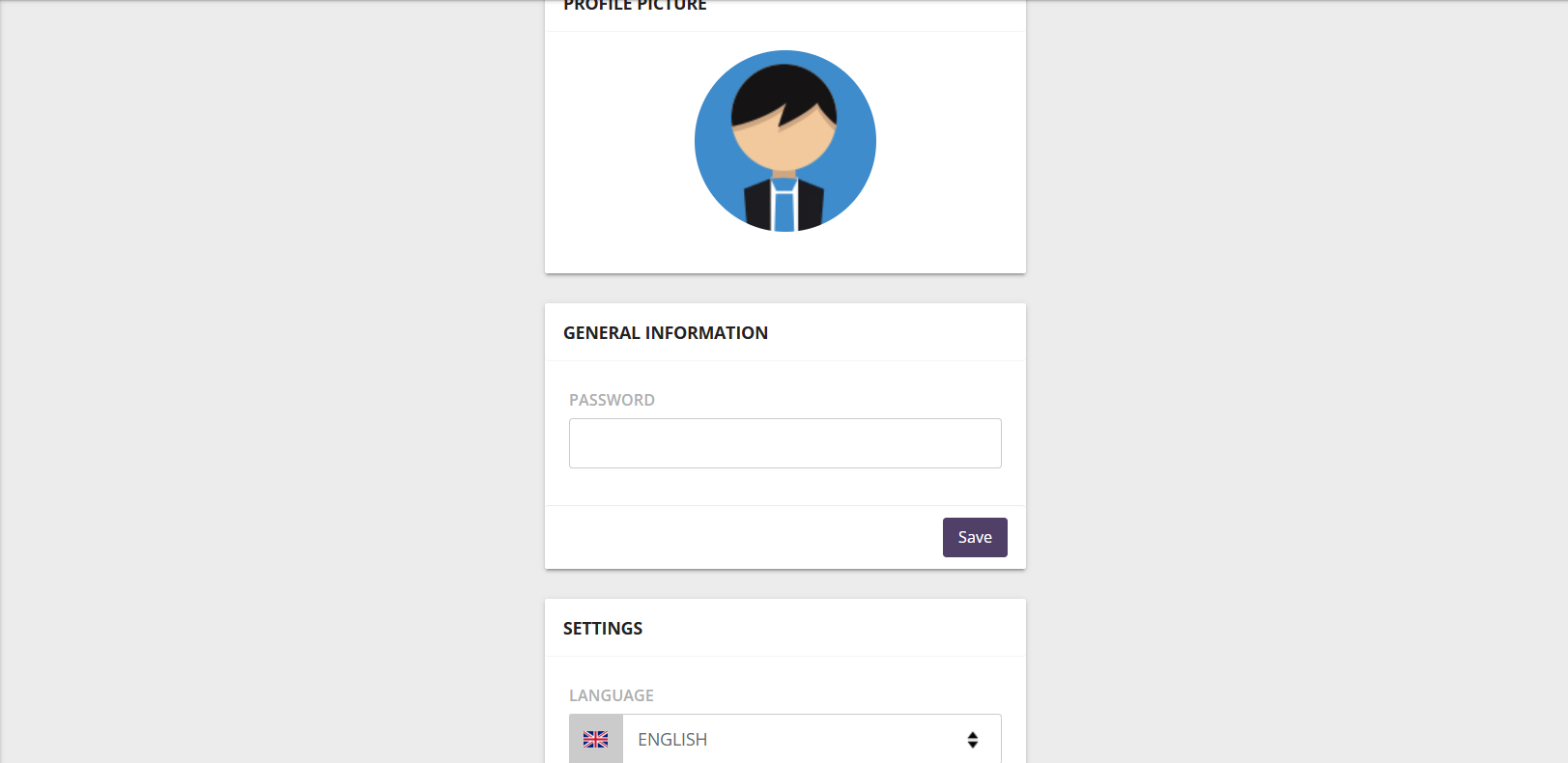
To change your password, click on your name in the top right-hand corner, then on
" Edit my profile ". Then choose your new password.
Here you can also change the language in which you wish to display SellingAtHome. SellingAtHome is available in English, French, Dutch, Polish and German.
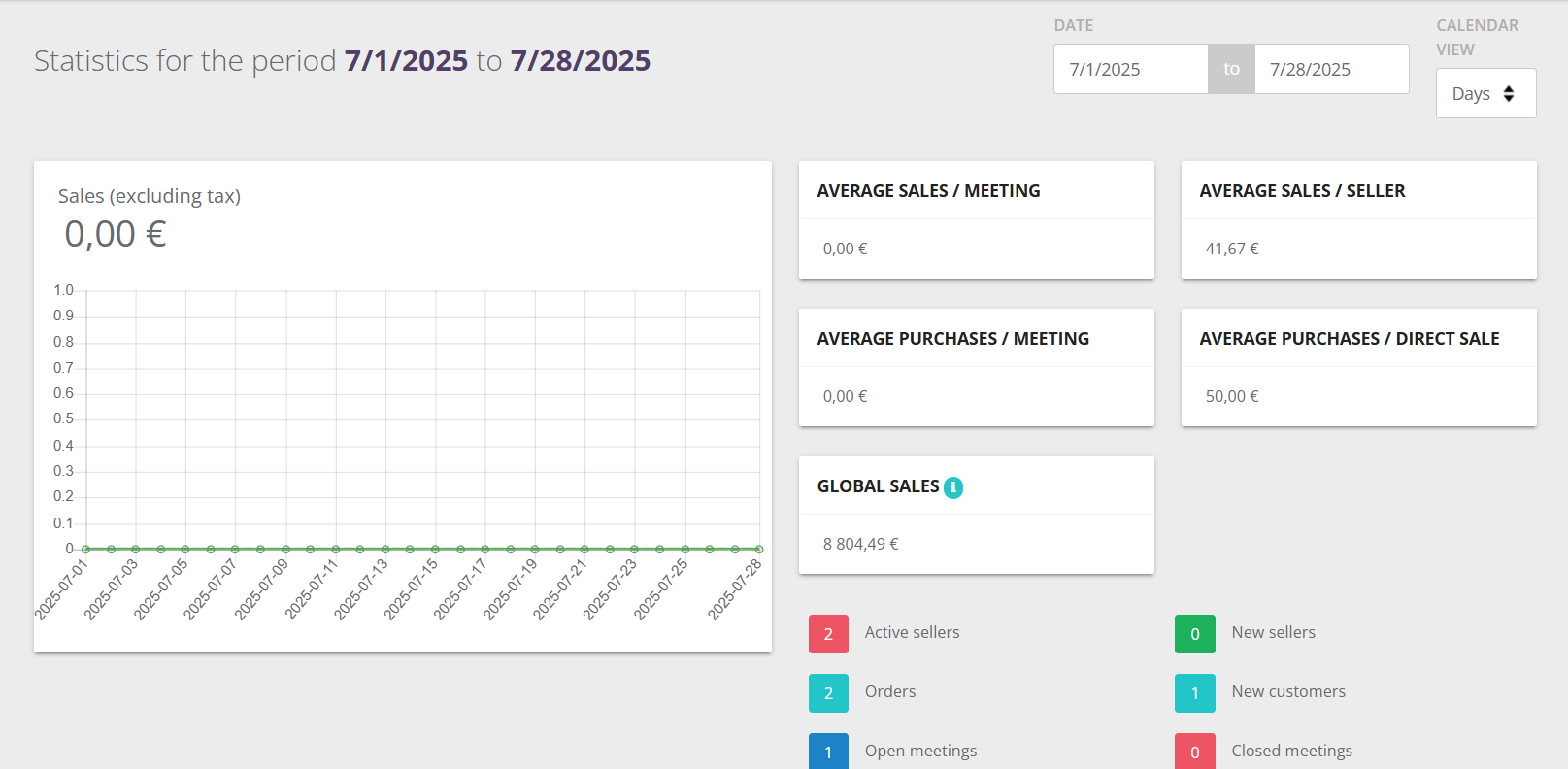
This dashboard brings together all your key business indicators:
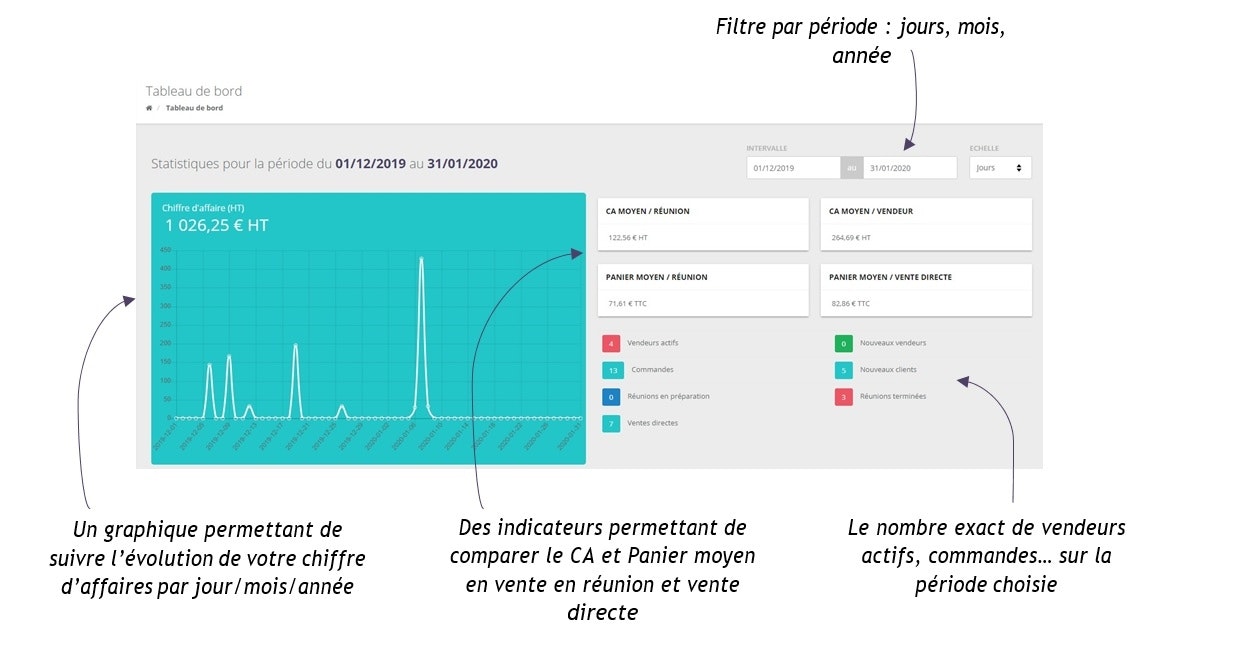
Below you'll find a number of indicators that will also help you manage your home sales business.

Note: the sales index corresponds to the average number of products per order.
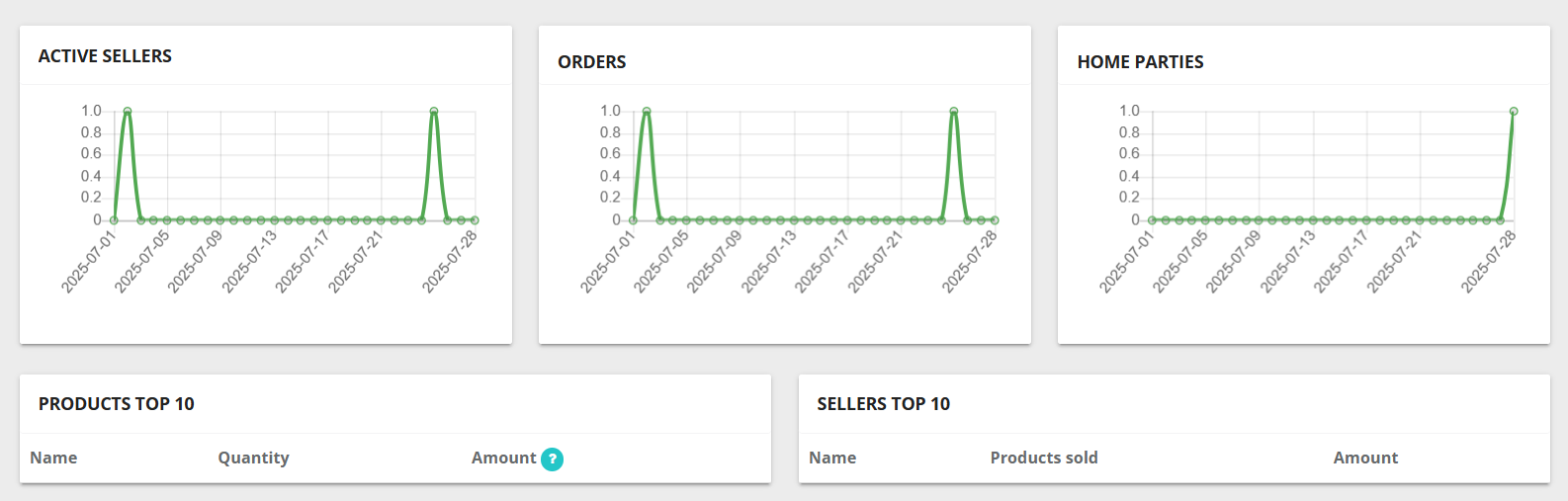
Then below you'll find three graphs that also measure the number of active salespeople, orders and meetings according to the chosen period.
Finally, at the bottom you'll find a top 10 list of products and salespeople. These top 10s will enable you to adapt your sales strategy according to the results.